What it does
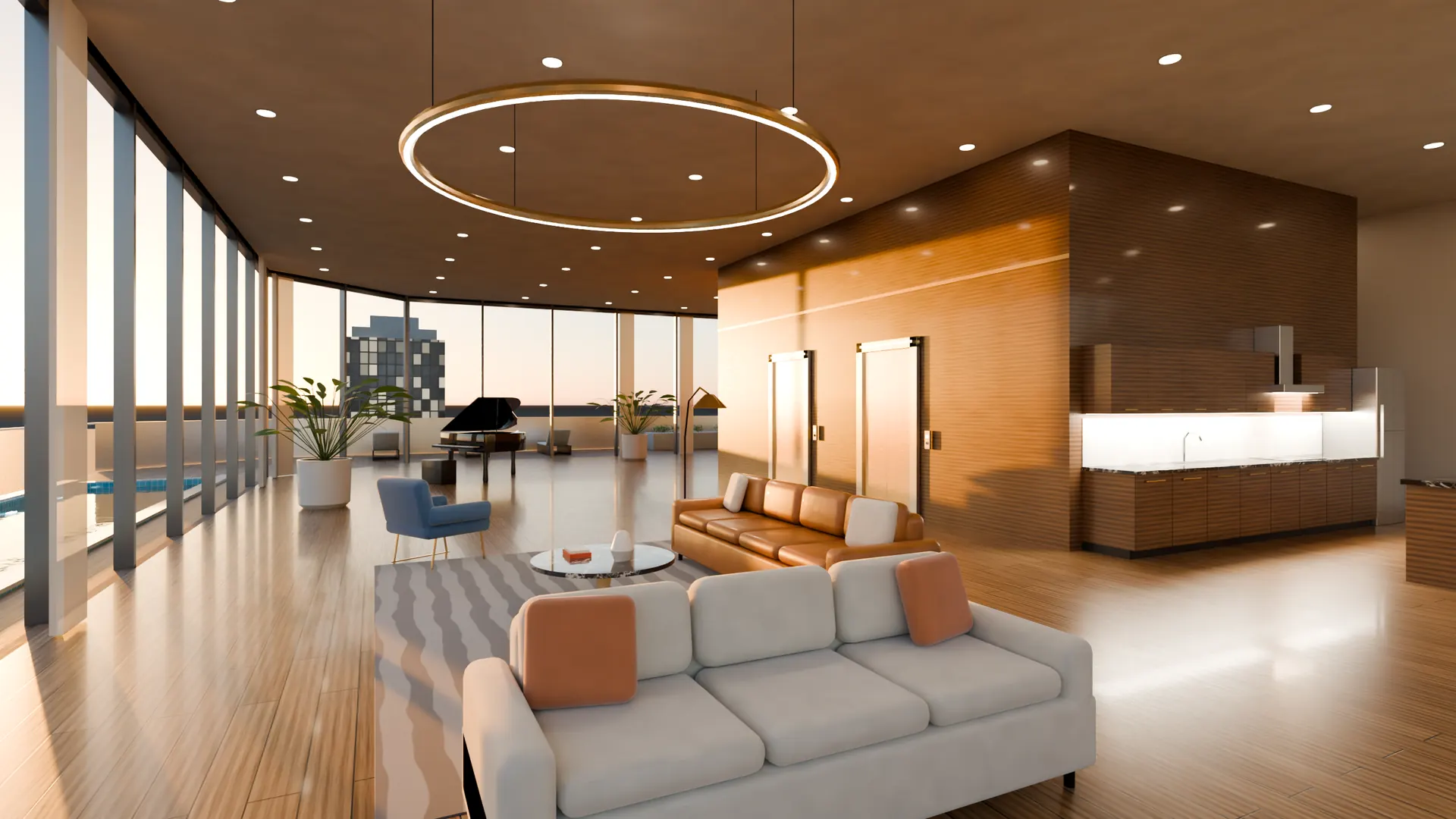
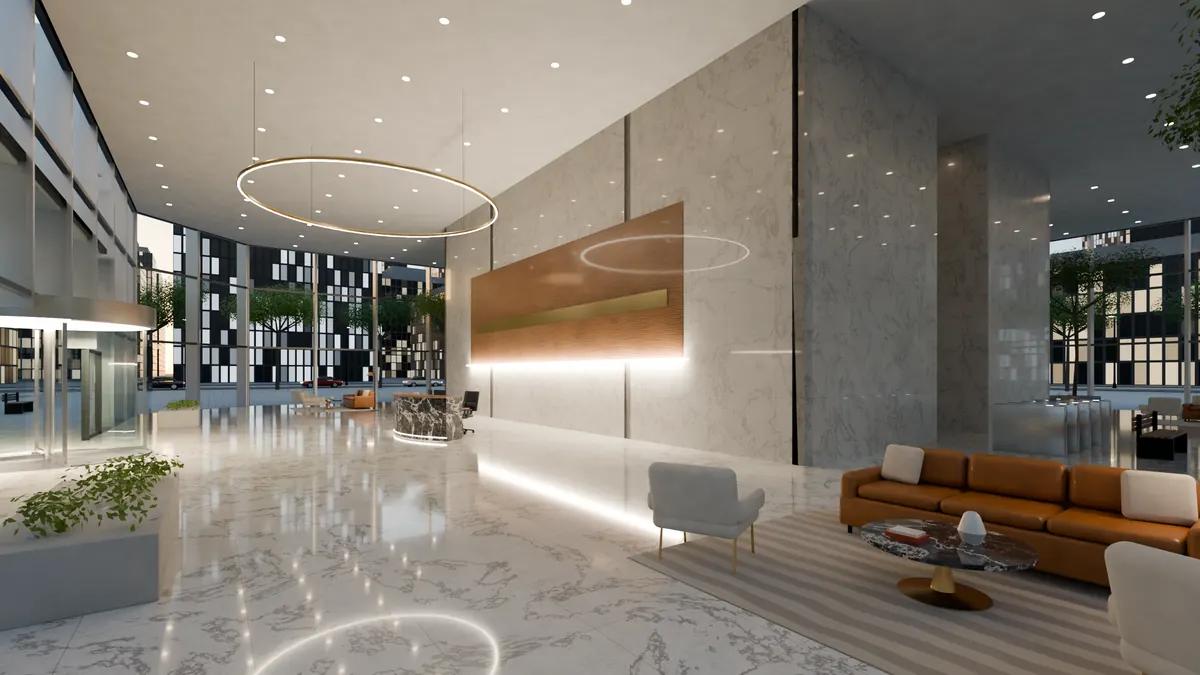
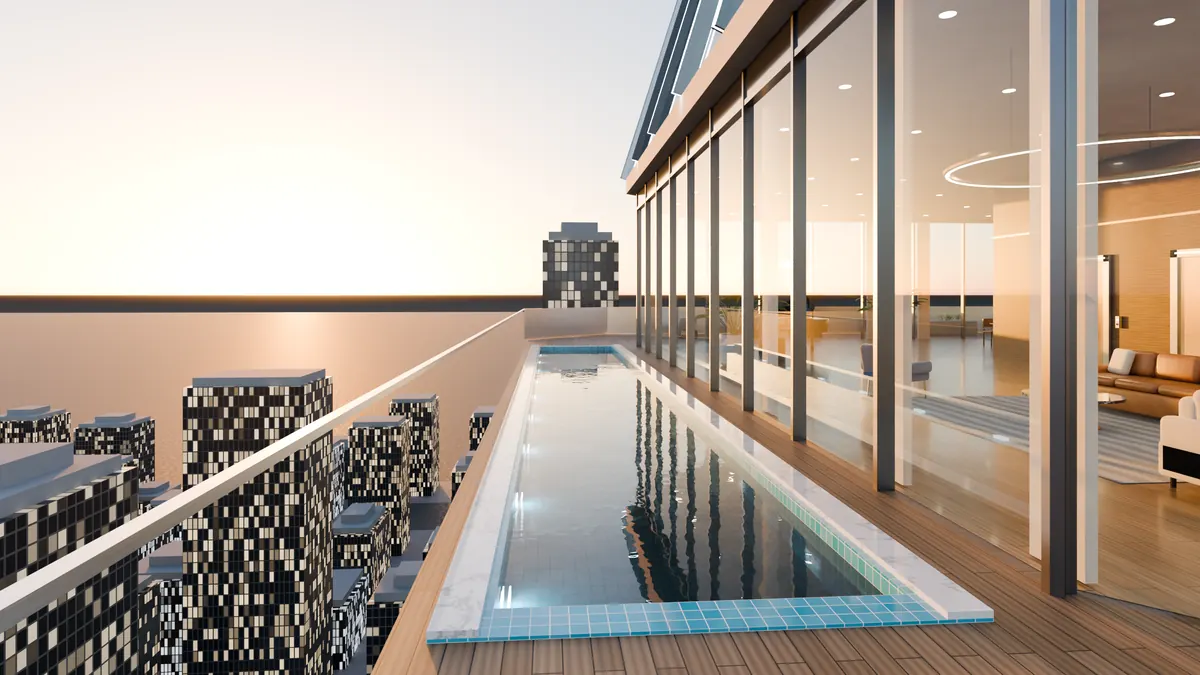
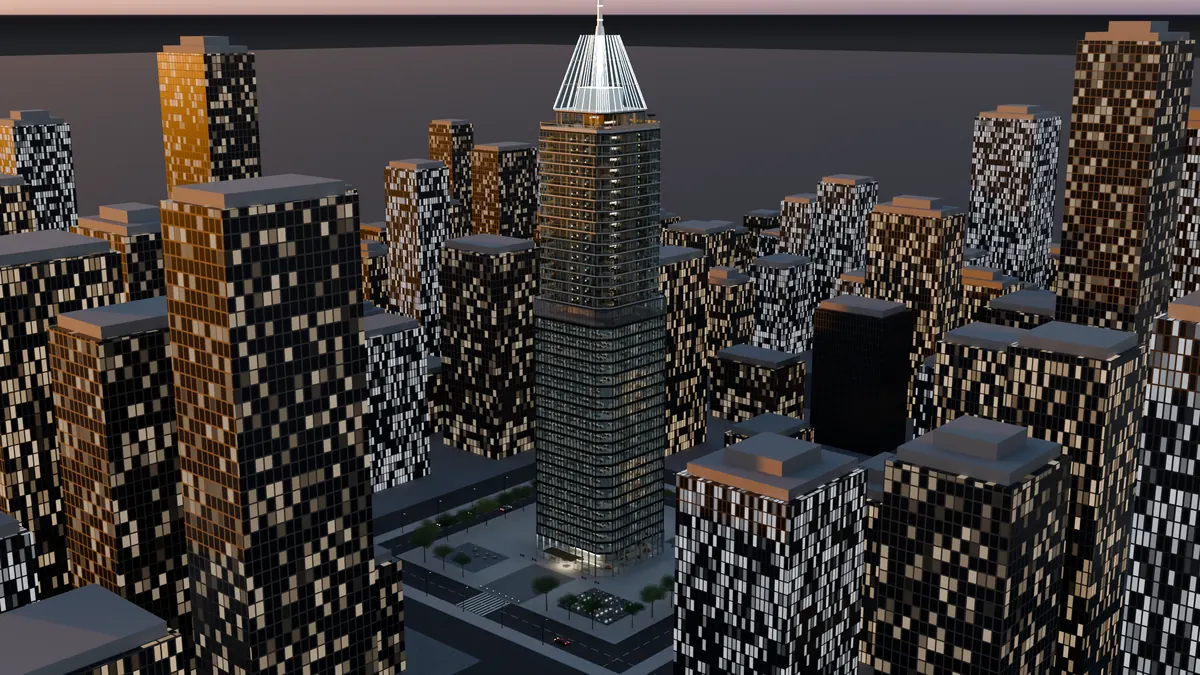
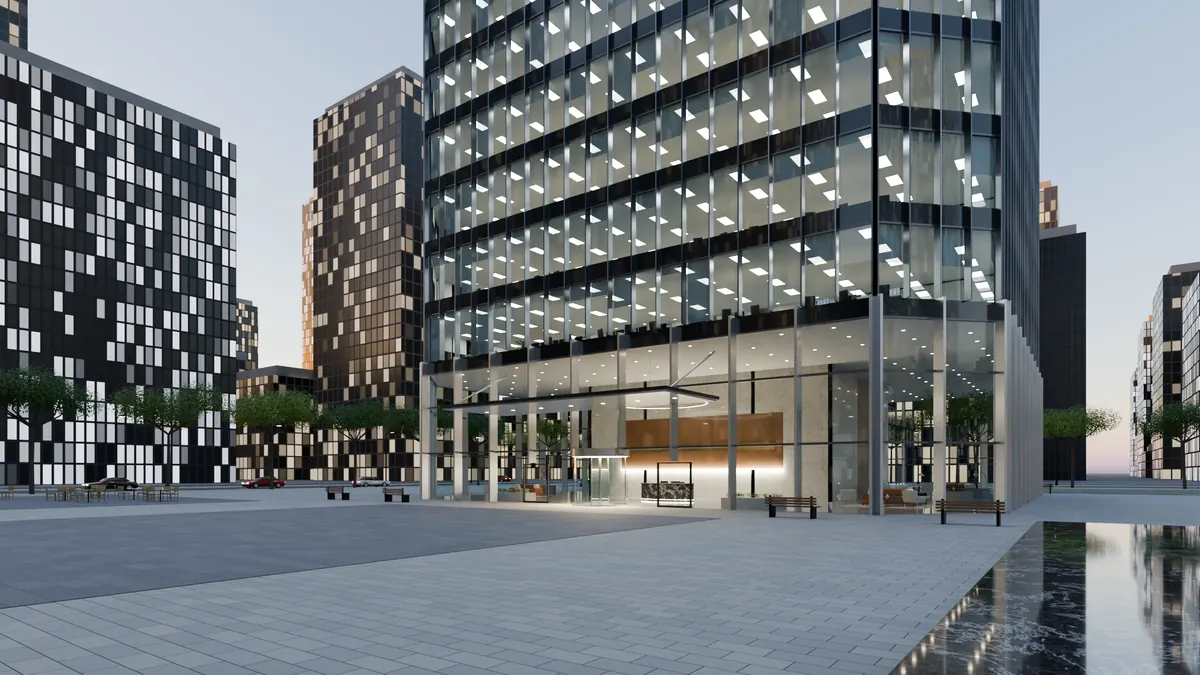
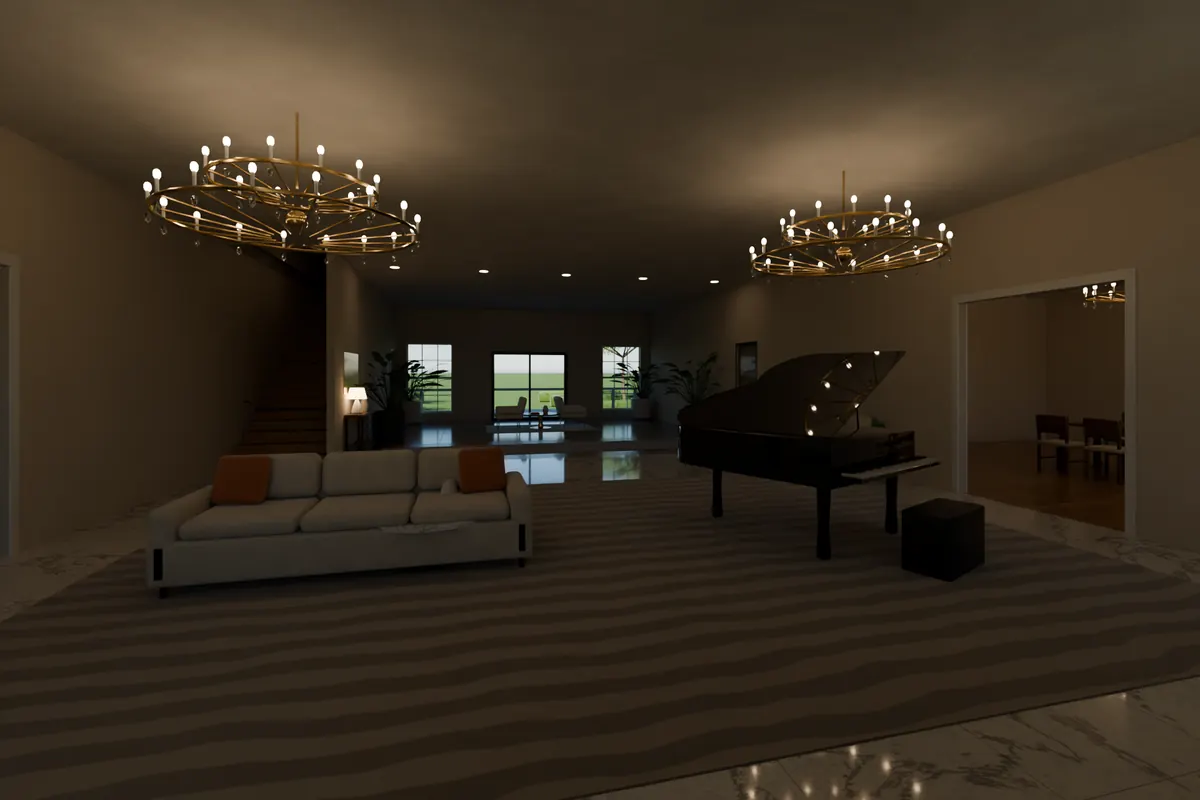
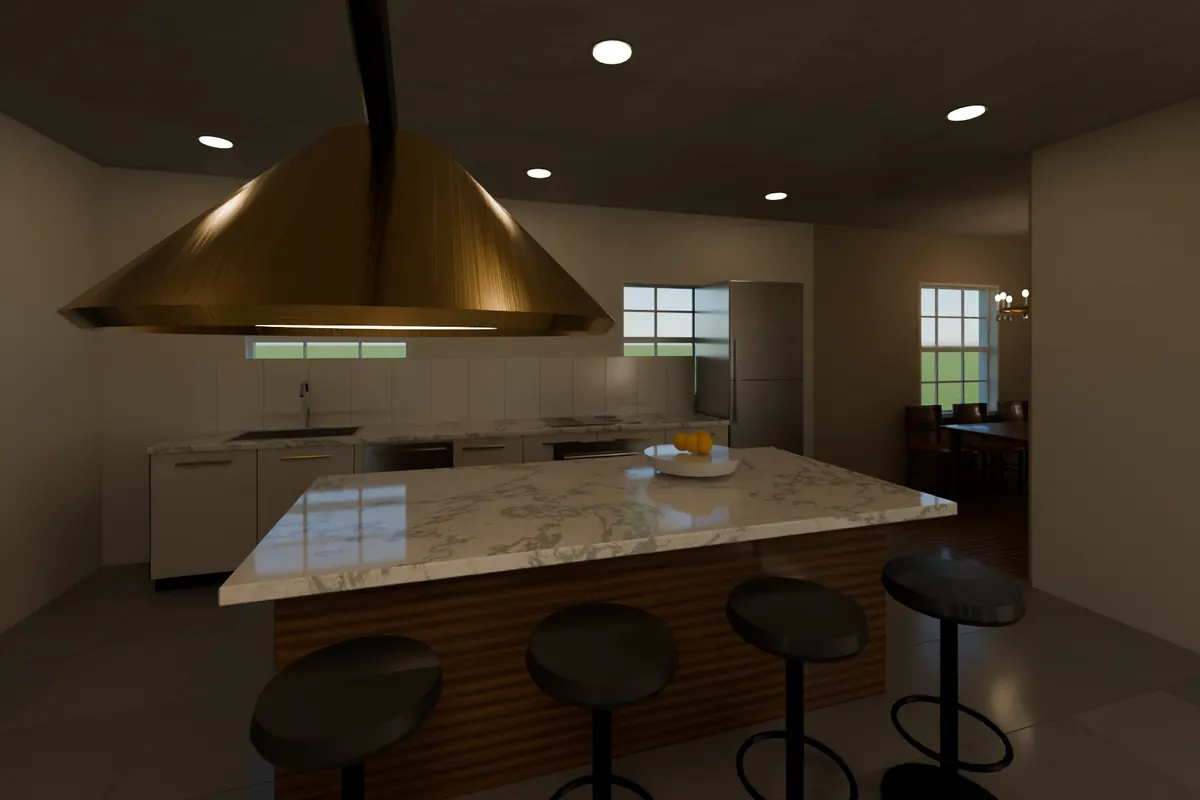
Blender Forge builds complete, detailed scenes from a single request. Ask for a skyscraper and you get a 210-meter tower with a marble lobby, office floors, apartments, a penthouse and a rooftop pool, every room furnished and cameras placed for the hero shots.
It builds in the Blender you have open, so you can look around the result straight away, or in the background, saving the file, exporting it and rendering it on your own GPU. The same toolkit turns out game-ready assets for Unreal Engine.
Capabilities
What it's capable of
A furnished skyscraper
A high-definition tower with full interiors across every floor type. Choose the number of office and residential floors, and dusk or daytime.
Homes from real floor plans
Houses built from plan specs authored in feet, with building-code checks, and a whole library of furnished home types.
A 10 km island
An ocean island landscape with mountains, rivers and lakes, with sites laid out for cities and towns.
A kit of 45 props and 100 materials
Furniture, fixtures and procedural materials that every model draws from, so scenes look consistent.
Game assets for Unreal
Homes with alternative furniture layouts, public buildings such as banks, hospitals, police stations, colleges and shops, and props and vehicles, exported as FBX with baked textures, collision and JSON manifests.
Render and export
Cycles renders on your GPU from the placed cameras, plus GLB, FBX and OBJ export.
Just ask
Things you can say to Claude
- “Build the skyscraper at dusk with 30 office floors.”
- “Build the cottage floor plan in my open Blender so I can look around.”
- “Export all the public buildings as game assets for Unreal.”
- “Render every camera of the tower in the background.”
Under the hood
What Claude can ask it to do
modelsList everything it can build.buildBuild a model in the Blender you have open, or in the background with save, export and renders.renderRender the scene's cameras with Cycles on your GPU.infoReport a scene's statistics, cameras and kit assets.lookTurntable review sheet: the target seen from all round (and optionally from above) with temporary orthographic cameras, in one labeled PNG of about 1.5k tokens, plus its size in meters and each view's framed width and height.
What you need
- Blender 4.2 or newer (tested on 5.2)
- A GPU for fast Cycles renders (recommended)

Get Blender Forge and every other tool
One key and one pasted prompt. The Toolbox keeps itself up to date.
Install with your key