AI Toolbox for Claude Code

Give Claude a toolbox.
Watch it build worlds.

One connection gives Claude the Claude Community's hard-won knowledge and a set of pro-grade generators for towers, furnished homes, landscapes and entire cities. Your own machine builds the results, so the heavy work happens where your files already are.

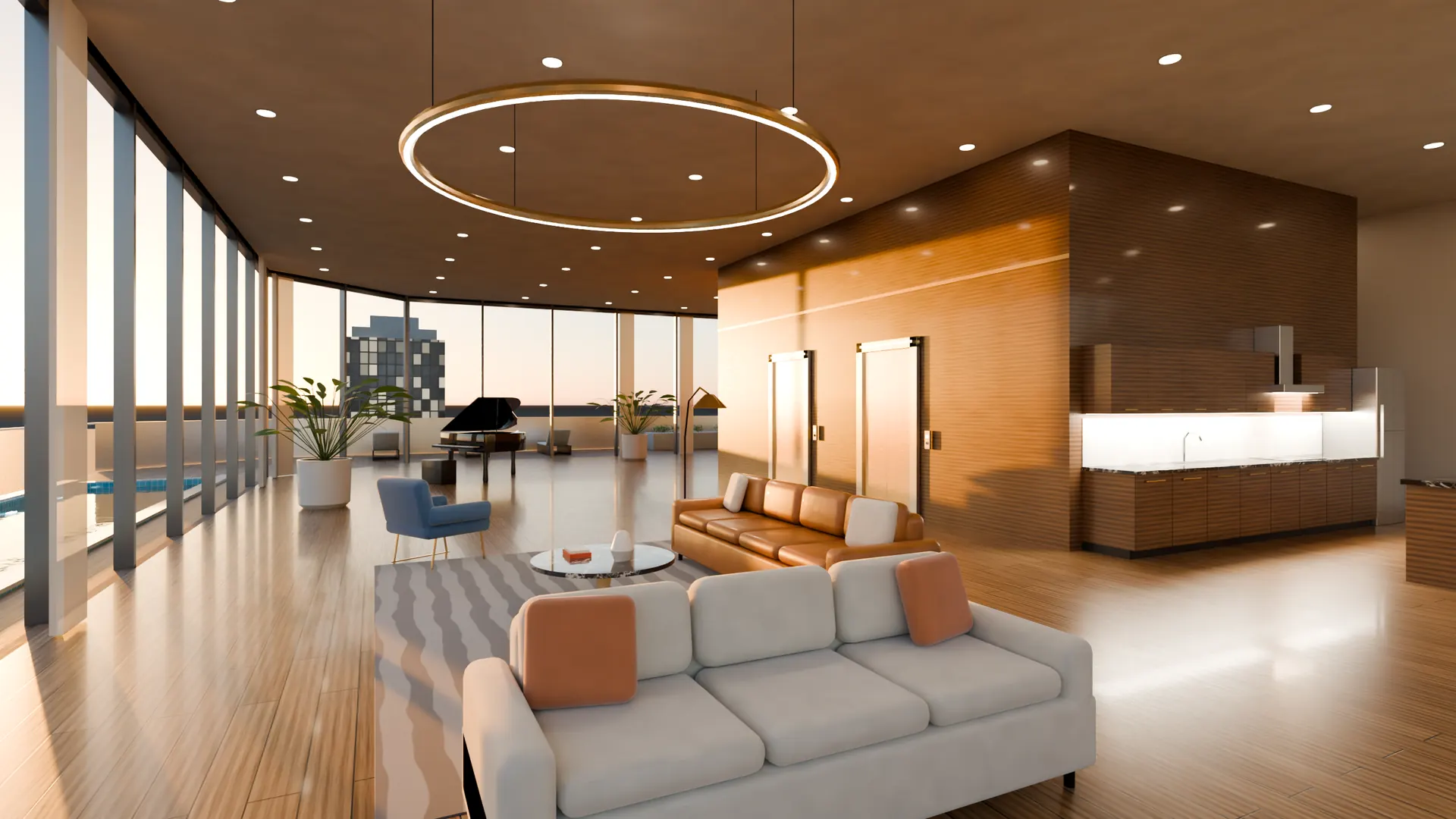
A penthouse interior generated by Blender Forge: floor-to-ceiling windows, a ring chandelier, a white sofa and a grand piano
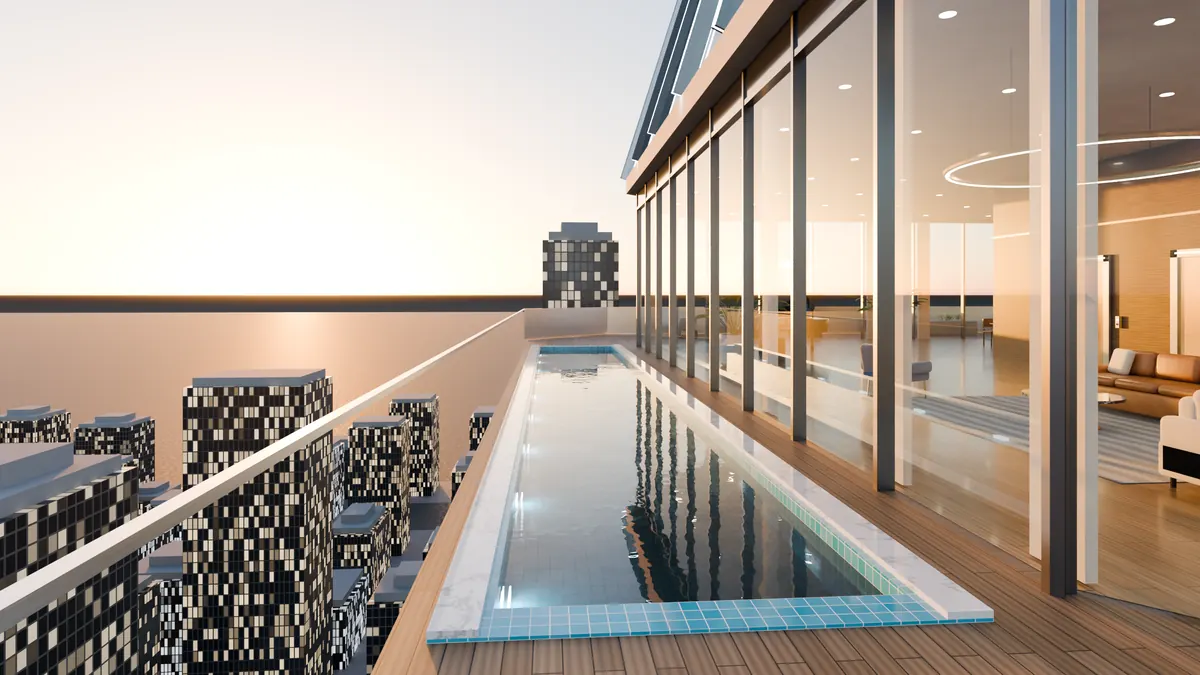
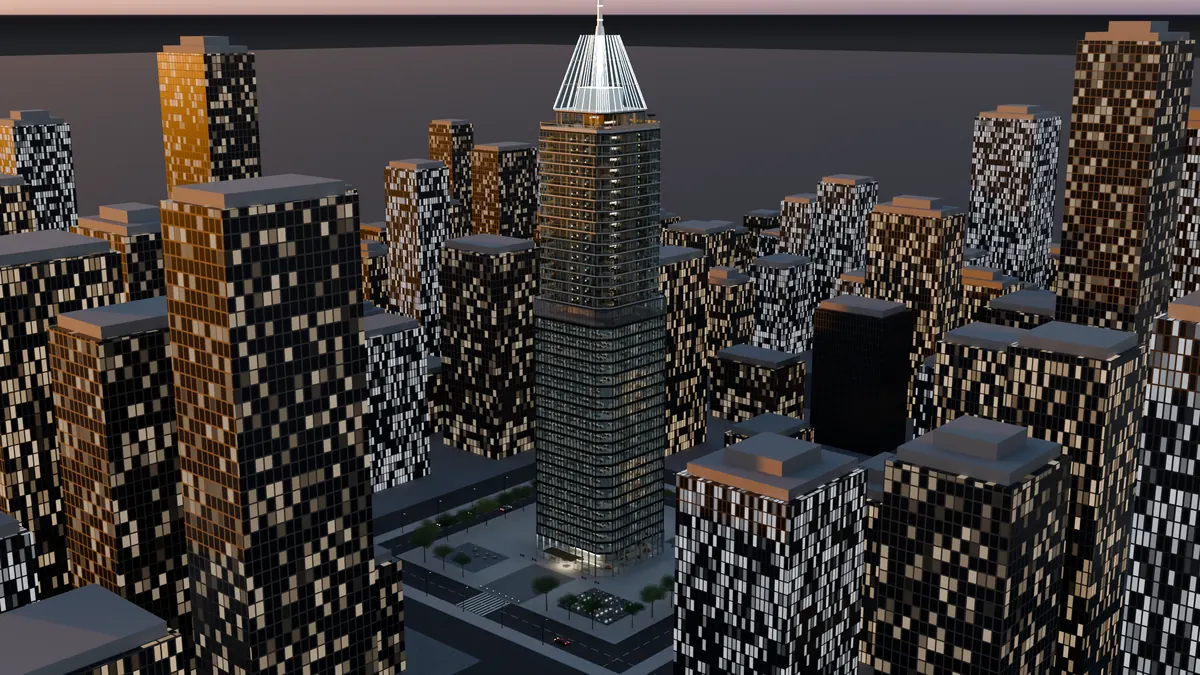
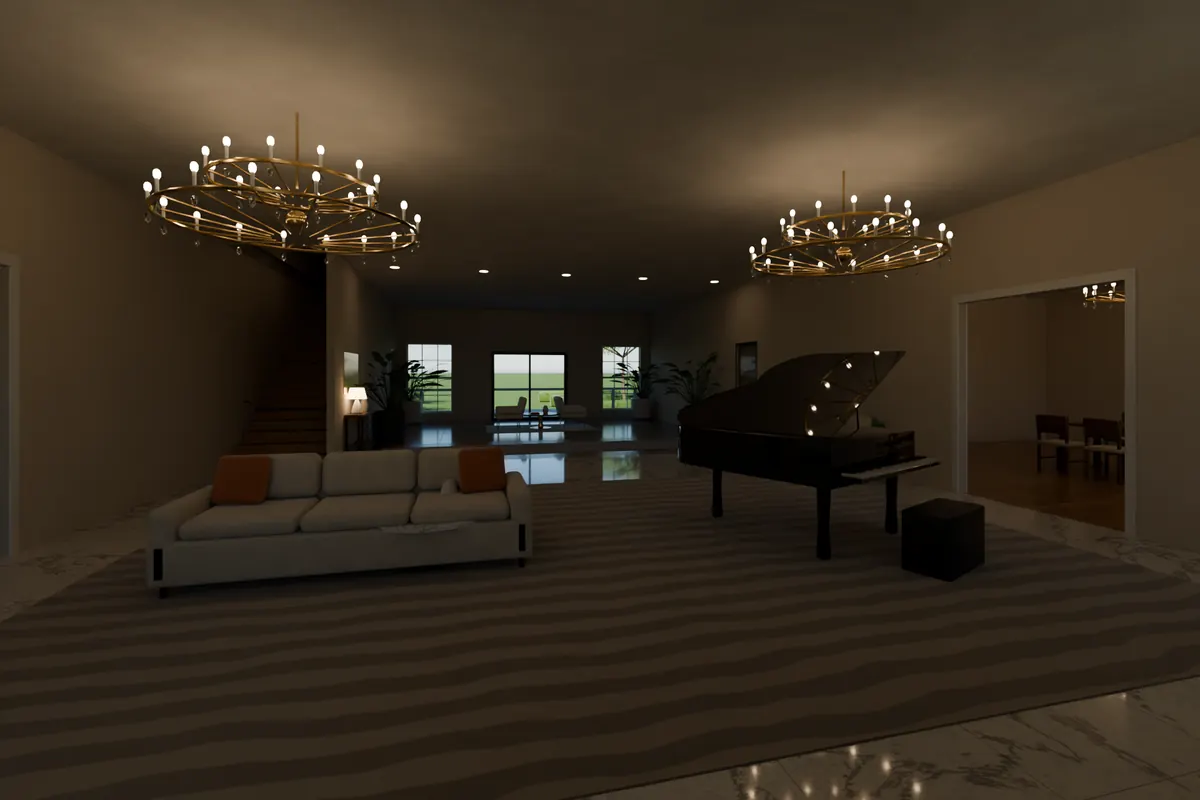
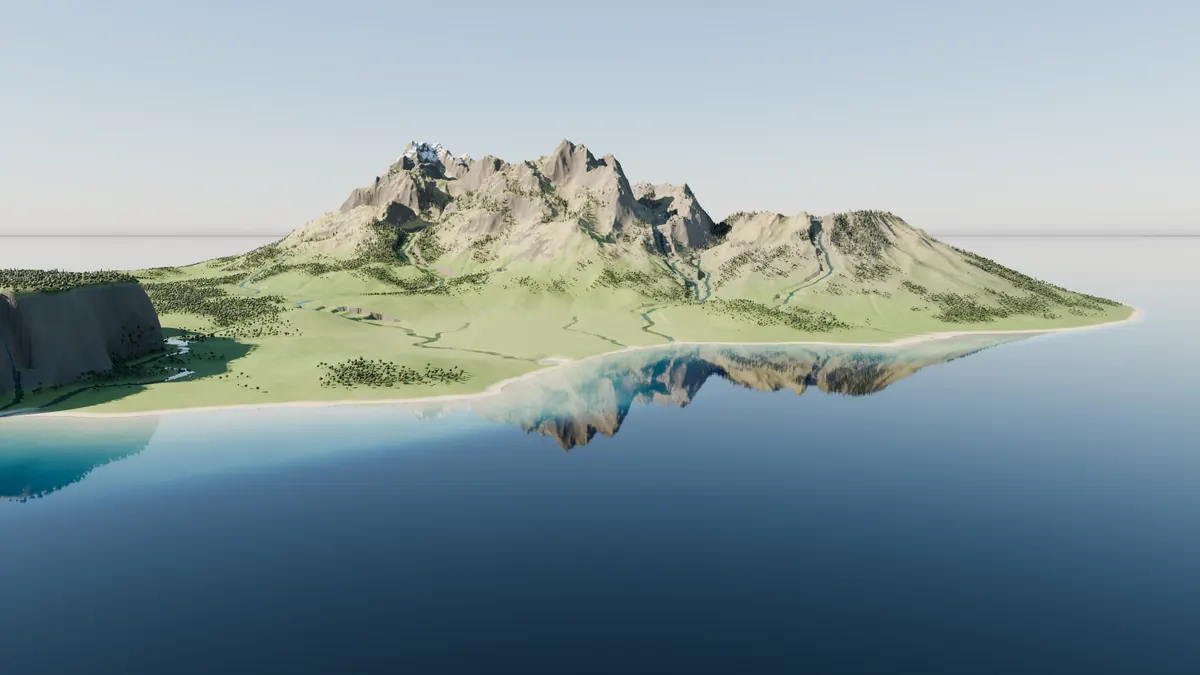
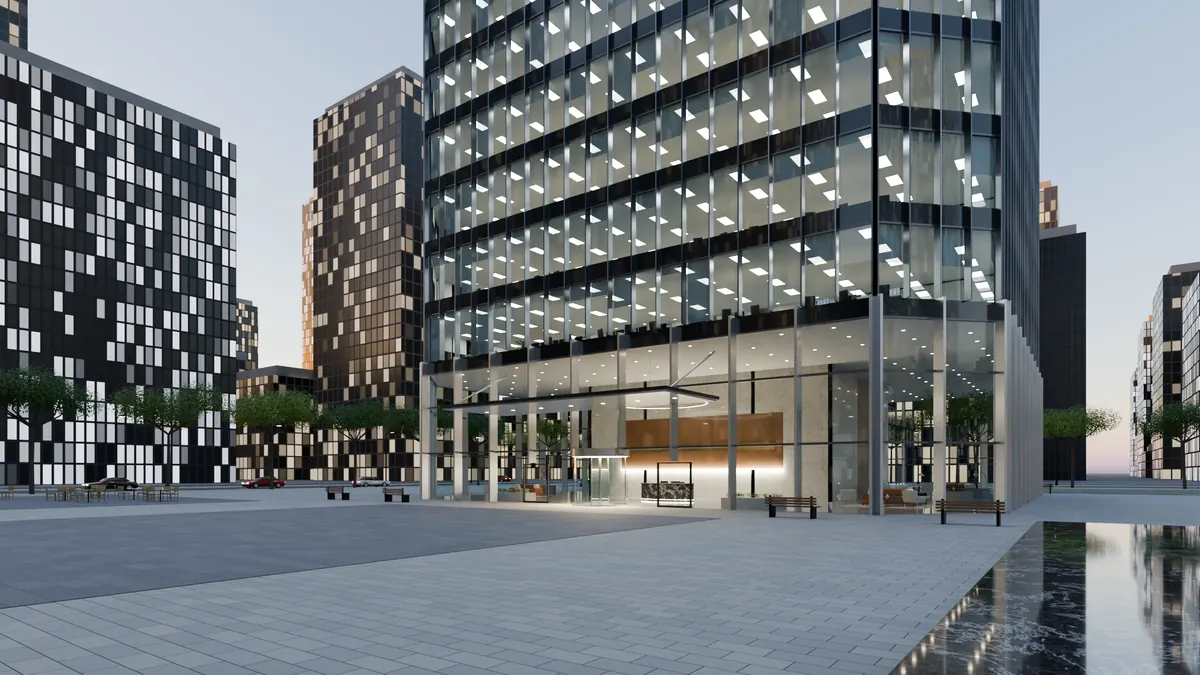
Every image on this page was generated by the Toolbox. No stock renders.
15,000+community fixes, how-tos & facts
100procedural materials
45furnishing & prop models
6tools in the Toolbox

What's inside

Tools that change what Claude can do

A few highlights. See every tool in the Toolbox →

The Community Ledger

Stop solving problems someone has already solved.

A living knowledge base built by the Claude Community: over 15,000 fixes, working recipes and reference facts, from Unreal Engine and Blender to Windows tooling, networking and game physics. Claude searches it before it starts working a problem out, and adds what it learns when the job is done. Every member's Claude makes the next one smarter.

  • Checked first, in every project, automatically
  • Corrections must cite real sources, and the server checks them
  • Compact answers that don't eat your context window
More about the Community Ledger → See the Brain, live →
Blender Forge

Whole buildings, furnished, in one request.

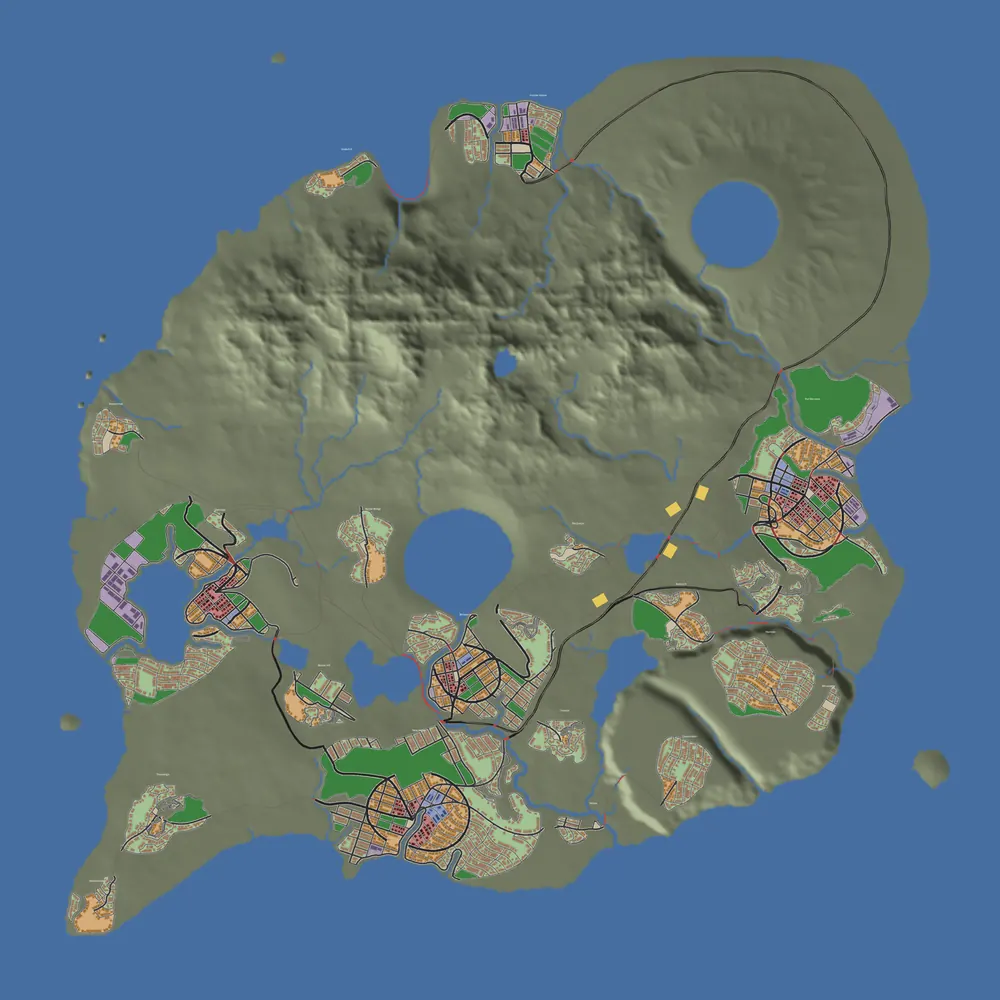
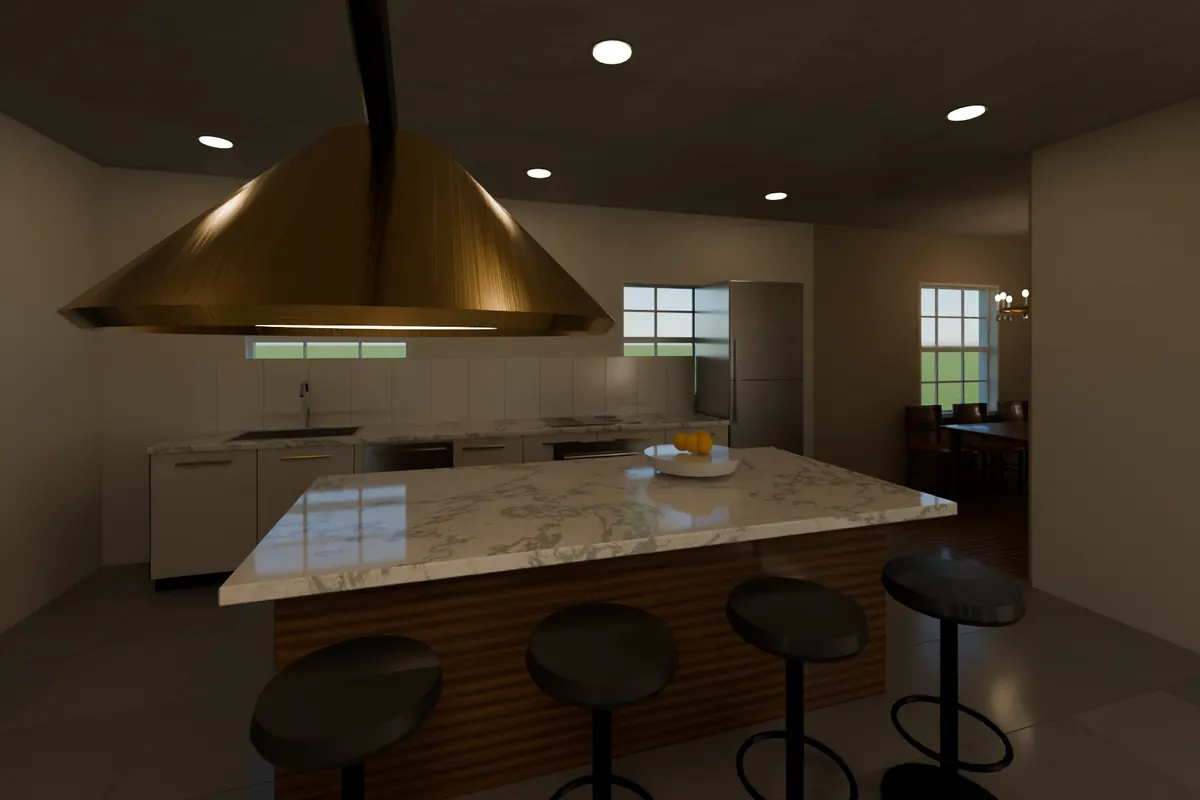
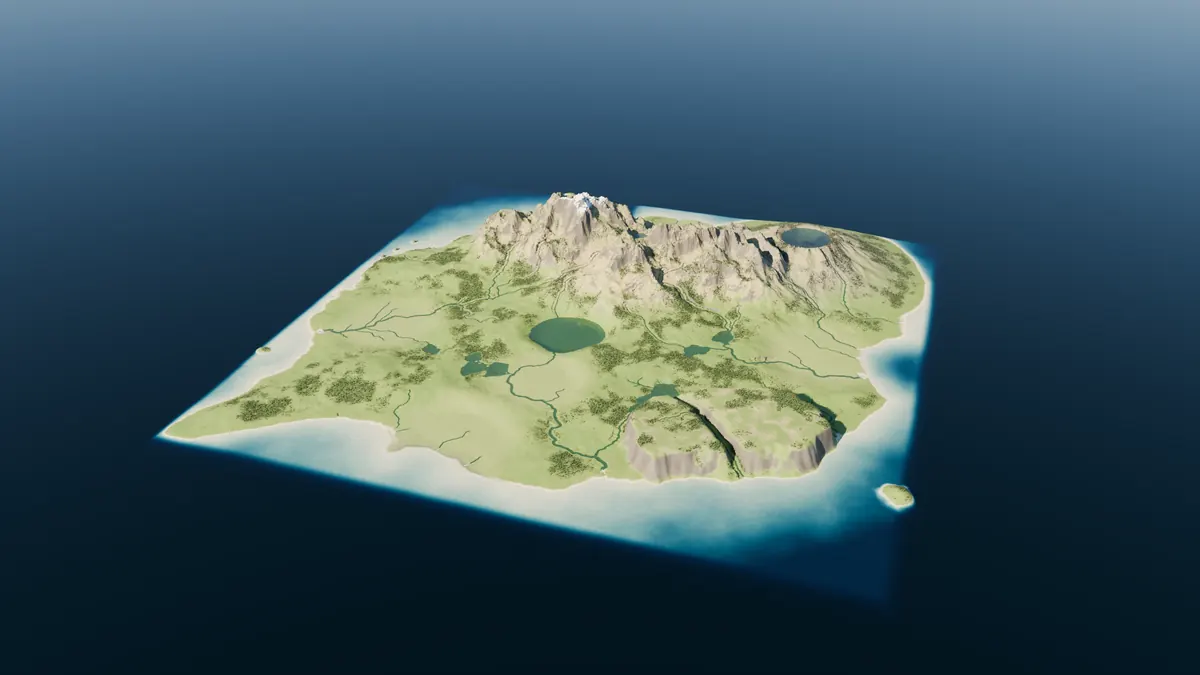
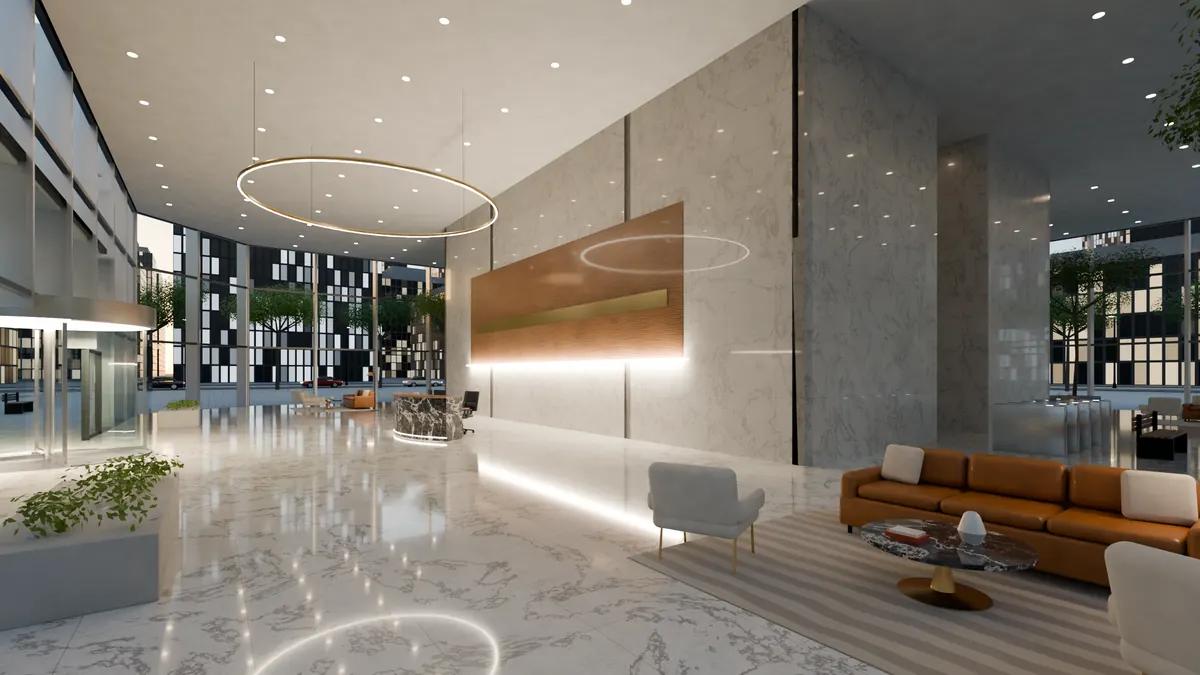
Ask for a skyscraper and get a 210-meter tower, from the marble lobby and office floors up to the rooftop pool, with every room furnished and cameras placed for the hero shots. Forge also builds a library of furnished homes, homes from real floor plans, a 10 km island with rivers and town sites, and game-ready assets with baked textures and collision for Unreal.

  • Builds live in the Blender you have open, or in the background
  • Renders on your GPU with Cycles; exports GLB, FBX and OBJ
  • About 100 procedural materials and 45 prop models
More about Blender Forge →
City Generator

Plan a whole region of towns in minutes.

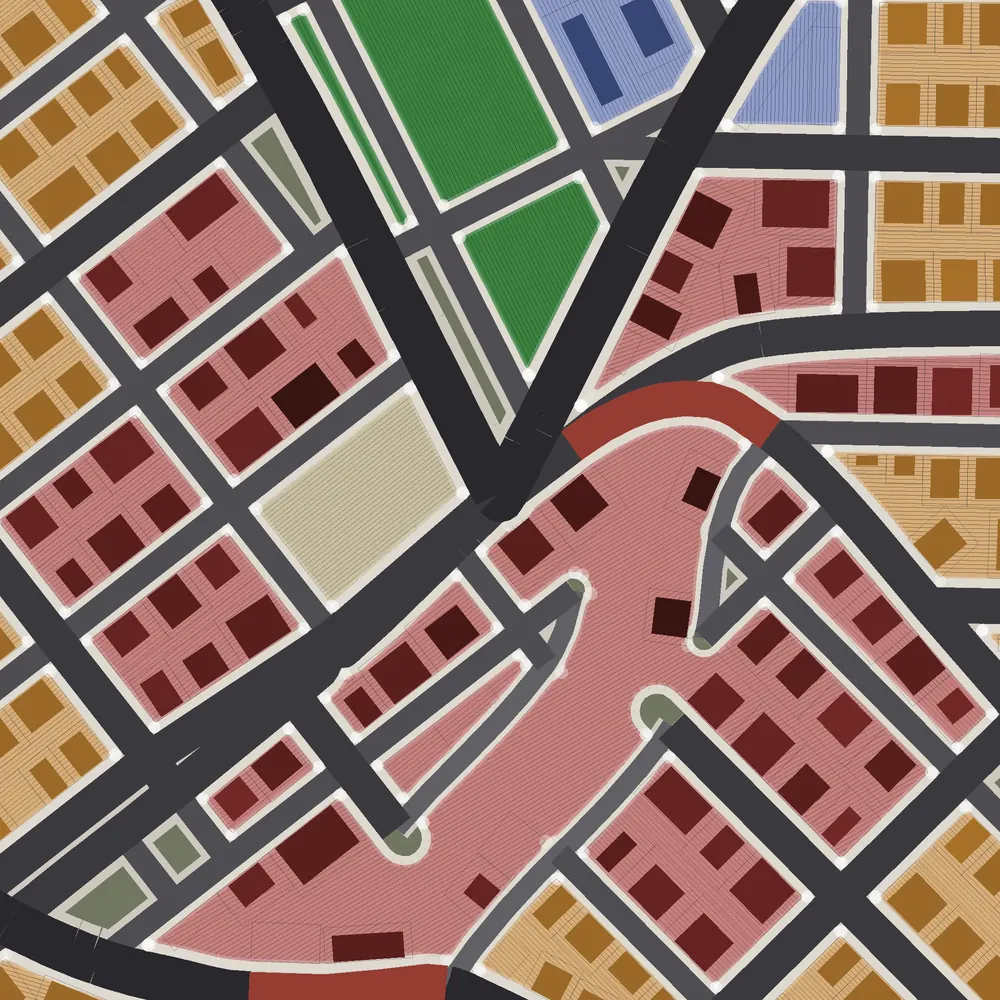
Streets grow from the terrain itself: main roads routed over the hills to neighboring towns, a street pattern for each district (downtown grids, curving suburbs, streets that follow the contours on steep ground), sidewalks, parks, and lots sized for the building that will stand on them. Bridges appear only where a road has to cross water.

  • Every settlement on a landscape, with thousands of lots, in one run
  • Preview maps drawn from exactly what the builders will lay
  • Exports the plan for Unreal Engine
More about the City Generator →
Island harbor with mountains reflected in the sea Tower entrance at street level Furnished kitchen with a copper hood and marble island Island landscape from above

How it works

Set up in minutes. Nothing to maintain.

1

Connect once

Paste one prompt into Claude Code. It installs everything for you, Blender included, and checks its own work. From then on it's there in every project.

2

Just ask

"Build a 30-story tower at dusk." "Plan the towns on this island." Claude picks the right tool and checks the Community Ledger first.

3

Built on your machine

Your computer and your copy of Blender do the building and rendering. No waiting behind anyone else's jobs, and your projects stay on your disk.

Always current

New tools and improvements reach you automatically. There's nothing to download or update.

Private by design

The Toolbox never uploads your projects. Your key is yours alone, and it can be revoked and replaced at any time.

Every project

One install covers every folder you open in Claude Code, not one repository at a time.

Put the Toolbox to work

One key and one pasted prompt give your Claude the Community's knowledge and tools that build whole worlds.

Install with your key

Already a member?

Install with your key

Enter your AI Toolbox key to see your install steps. The server checks it, and this page doesn't store it.