What it does
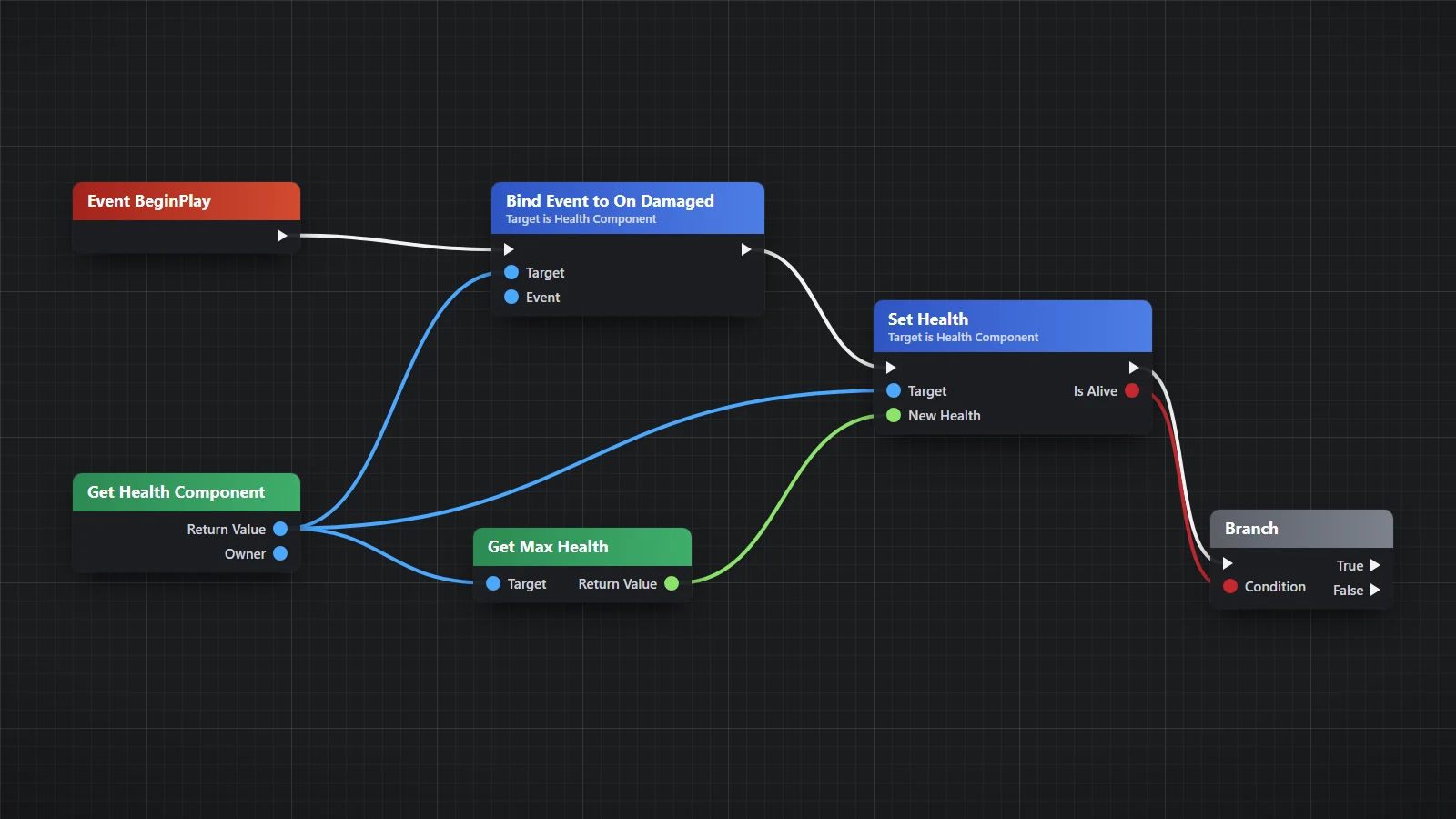
Unreal Engine tools for an assistant, in four parts under one name. Fab (fab_* actions): a searchable copy of the user's own Fab library, a pack's size and contents before anything is downloaded, a content pack added to the project open in the editor by Epic's own Fab plugin, and a whole-project pack downloaded into a folder of its own with every file checked against its checksum; the user's Fab sign-in stays in their browser. bpkit (bp_* actions; Windows only; MIT licensed, by Giovanni Petrantoni with additions by Matt (angrytoilet) and Ashkan): reads, authors, edits, injects and compiles Blueprint K2 node graphs over the editor's Python remote execution, for the Conan Exiles Dev Kit and stock UE 5.6-5.8 editor builds. WorldCheck (world_* actions; by Adam): a read-only audit of a region of the open level for the faults players notice (floating and sunk props, ground through roads and floors, z-fighting, collision that is not where the ground is, steps a character cannot climb, overlapping buildings, cooked-build and server traps), eye-level pictures of the worst findings on one sheet, and a scan of editor, client and server logs. The Fab part needs a browser the assistant can run page scripts in (for example Claude in Chrome) with fab.com signed in. The Fab, bpkit and WorldCheck parts need a running UE 5 editor with the Python Editor Script Plugin and Project Settings > Python > Remote Execution enabled. Proven on Windows with UE 5.8. City (city_* actions): a city built in the open editor by Epic's own PCG city generator, the CitySamplePCG plugin that ships inside the free City Sample project (Unreal Engine 5.8): inside an outline and main roads you give, or one of Epic's example cities, with every generator parameter open; nothing of any one game is in it.
Capabilities
What it's capable of
Info
The package as a whole: its four parts (Fab, bpkit, WorldCheck, City Generator) with one line each, the action prefix and the skill of each, the workspace path, and whether a running editor answers (project, engine, whether Play is running, Fab plugin loaded).
Fab info
Where the tool's files are, how many packs are saved and how old the list is, the paths of the browser scripts, and whether a running editor answers (project, engine, Fab plugin loaded).
Fab receive
Opens a one-shot receiver on 127.0.0.1 and waits for one post from the user's fab.com tab: the library (js/library.js), pack details (js/details.js) or one pack's download link (js/pack.js). Start this first, in the background, then run the script in the tab. Only fab.com's page is answered. Returns a summary, never a link.
Fab library
Searches the saved library. Words are matched against title, seller, category and tags (and, weaker, the description). Returns id, title, seller, type, category, tags; with full=true also the description, preview picture addresses and downloadable files.
Fab size
Reads the manifest behind a pack's saved download link: GB to download, GB on disk, file count, the folders it lands in, the engine version it was made with, and whether it is a whole project (use fab_create_project, not fab_add) or holds a code plugin (not handled). Downloads only the manifest. Links last about five minutes: call this straight after fetching one (fab_receive + js/pack.js). What it finds is kept, so fab_add can use a fresh link later without sizing again.
Fab add
Asks the Fab plugin in the running editor to download the pack and add it to the open project, as Add to Project does. Needs fab_size to have been run on the pack once, a link fetched in the last five minutes, Play stopped, and approved=true: pass that only once the user has said yes to this pack and its size, or has given blanket permission for this session. Returns at once; the plugin downloads in the background.
Fab status
How far a pack has got: for one added to the open project, GB staged in the Fab cache, GB and files in the project, the Fab plugin's last log lines, and whether it is done; for a fab_create_project download (pass its listing), GB and files written so far.
Fab create project
Downloads a whole-project pack (one that holds a .uproject: samples, templates, kits that ship as a project) into a new folder of its own, and checks every file against the checksum the pack gives for it. Needs fab_size to have been run on the pack (fab_size keeps the pack's manifest, so this can start at any time afterwards, with no fresh link) and approved=true (pass that only once the user has said yes to this pack and its size, or has given blanket permission for this session). Runs until the download is done: start it in the background for a big pack and follow it with fab_status and the same listing.
Bp info
Where bpkit's files are on this machine and which Python drives it.
Bp ping
Check the Unreal editor's remote-execution channel is live (prints ENGINE_VERSION). Run first; if it finds no editor, the editor isn't running or Remote Execution is off.
Bp selftest
Verify bpkit's native bridge resolves every engine symbol on THIS editor build (BRIDGE OK), plus one read-only native call.
Bp read blueprint
Dump every graph of a Blueprint to dump_<Name>.txt in the workspace's parts/bpkit folder and return a compact summary (graph map + entry points).
Bp compact
Navigate a dump from bp_read_blueprint: the summary, or one graph in compact form.
Bp run
Run a local Python payload script inside the editor (like `ue_run.py <script> [args]`). The payload can `import bpkit` and `import unreal`.
Bp query
Query bpkit's project model host-side, no editor needed: where X | callers F | readers V | writers V | nodes ... | unused <bp> (see bpkit/ops/project_query.py).
Bp install skills
Install bpkit's Claude Code skills (/unreal-bp-read, /unreal-bp-channel, /bp-test, /unreal-bp-setup, ...) into ~/.claude/skills, pointing at the workspace's parts/bpkit folder. Restart Claude Code afterwards.
World ping
Which Unreal Editor answers over Python remote execution (project, engine version). Run once before world_audit.
World audit
Read-only audit of a region of the open level. Returns a grouped summary (W1, W2, ... with worst locations) and writes report.md/report.json. Give the shell command a timeout of budget_s + 300 s.
World shots
Eye-level shots of the last audit's top findings (or given points) on one labeled contact sheet; returns `read` with its path. Moves the viewport camera and restores it. Give the shell command a timeout of at least 120 s + 60 s per shot.
World logs
Scan Unreal logs (editor, packaged client, dedicated server) for known failure signatures: counts, one example line and what it means.
World report
The last audit's summary and report path, or one finding in full with its hint (id='W3').
City info
Says whether Epic's PCG city generator (the CitySamplePCG plugin) is in the project open in the editor, and what it offers: each example city graph with its parameters and defaults, and the parameters of each step of the build city_build runs on an outline. Changes nothing.
City build
Lays out a city for Epic's PCG city generator and starts it generating; city_status then carries it through. Give shape (and arteries) for a city inside your own outline, or example for one of Epic's example cities. By default it starts a new blank level, which it never saves (city_save does). Refuses during Play and when a level has unsaved changes. Sizes: buildings need blocks of about 100 x 60 m or more (smaller blocks give streets with parks and plazas only), and a place under about 400 m across gets a handful of buildings among parks; the skill has the measured values.
City status
How far the city in the open level has got; starts the next step when the one before has finished. Call it every 30 s or so after city_build until done is true (a 500 m city takes about four minutes). When done it says how much was made. With picture=true it also asks the editor for one picture from above and gives its path.
City save
Saves the never-saved level the city was built in under a content path, with the copied step graphs pointed at the saved level's volumes so the city can be generated again from it. Only once city_status says done. The saved level depends on the City Sample's own content as well as the plugin's (about 20 GB for a 550 m city); the skill says what moving it to another project takes.
Under the hood
What Claude can ask it to do
infoThe package as a whole: its four parts (Fab, bpkit, WorldCheck, City Generator) with one line each, the action prefix and the skill of each, the workspace path, and whether a running editor answers (project, engine, whether Play is running, Fab plugin loaded).fab_infoWhere the tool's files are, how many packs are saved and how old the list is, the paths of the browser scripts, and whether a running editor answers (project, engine, Fab plugin loaded).fab_receiveOpens a one-shot receiver on 127.0.0.1 and waits for one post from the user's fab.com tab: the library (js/library.js), pack details (js/details.js) or one pack's download link (js/pack.js).fab_librarySearches the saved library.fab_sizeReads the manifest behind a pack's saved download link: GB to download, GB on disk, file count, the folders it lands in, the engine version it was made with, and whether it is a whole project (use fab_create_project, not fab_add) or holds a code plugin (not handled).fab_addAsks the Fab plugin in the running editor to download the pack and add it to the open project, as Add to Project does.fab_statusHow far a pack has got: for one added to the open project, GB staged in the Fab cache, GB and files in the project, the Fab plugin's last log lines, and whether it is done; for a fab_create_project download (pass its listing), GB and files written so far.fab_create_projectDownloads a whole-project pack (one that holds a .uproject: samples, templates, kits that ship as a project) into a new folder of its own, and checks every file against the checksum the pack gives for it.bp_infoWhere bpkit's files are on this machine and which Python drives it.bp_pingCheck the Unreal editor's remote-execution channel is live (prints ENGINE_VERSION).bp_selftestVerify bpkit's native bridge resolves every engine symbol on THIS editor build (BRIDGE OK), plus one read-only native call.bp_read_blueprintDump every graph of a Blueprint to dump_<Name>.txt in the workspace's parts/bpkit folder and return a compact summary (graph map + entry points).bp_compactNavigate a dump from bp_read_blueprint: the summary, or one graph in compact form.bp_runRun a local Python payload script inside the editor (like `ue_run.py <script> [args]`).bp_queryQuery bpkit's project model host-side, no editor needed: where X | callers F | readers V | writers V | nodes .bp_install_skillsInstall bpkit's Claude Code skills (/unreal-bp-read, /unreal-bp-channel, /bp-test, /unreal-bp-setup, ...) into ~/.claude/skills, pointing at the workspace's parts/bpkit folder.world_pingWhich Unreal Editor answers over Python remote execution (project, engine version).world_auditRead-only audit of a region of the open level.world_shotsEye-level shots of the last audit's top findings (or given points) on one labeled contact sheet; returns `read` with its path.world_logsScan Unreal logs (editor, packaged client, dedicated server) for known failure signatures: counts, one example line and what it means.world_reportThe last audit's summary and report path, or one finding in full with its hint (id='W3').city_infoSays whether Epic's PCG city generator (the CitySamplePCG plugin) is in the project open in the editor, and what it offers: each example city graph with its parameters and defaults, and the parameters of each step of the build city_build runs on an outline.city_buildLays out a city for Epic's PCG city generator and starts it generating; city_status then carries it through.city_statusHow far the city in the open level has got; starts the next step when the one before has finished.city_saveSaves the never-saved level the city was built in under a content path, with the copied step graphs pointed at the saved level's volumes so the city can be generated again from it.

Get Claude Unreal Assist and every other tool
One key and one pasted prompt. The Toolbox keeps itself up to date.
Install with your key